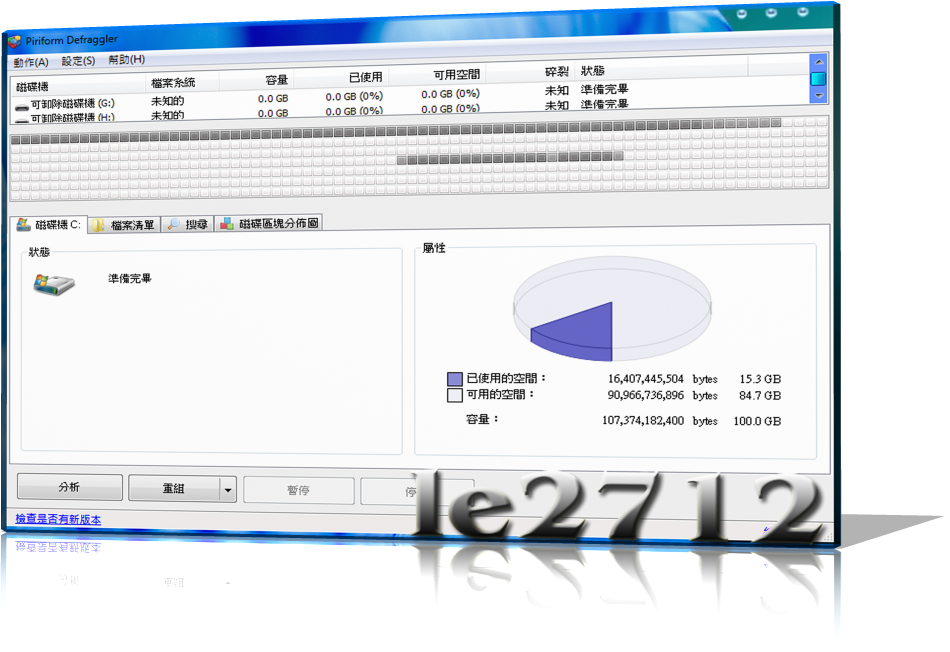
Defraggler可選擇特定檔案重組、碎裂檔案列表、碎片地圖這三個功能除了可以幫我們找出碎裂特別嚴重的大檔案來進行重組外,其實也可以反過來利用。當我們在重組一整個磁碟時,有些檔案我們可能不想要重組,例如非常大的檔案,這可能讓重組變慢,甚至停止響應;或者是像Pagefile這樣的系統重要檔案;Defraggler目前沒有設定排除檔案的選項,但是可以直接在碎裂檔案列表中取消該檔案的選取,這樣便會在重組時忽略該檔案;其實我覺得這樣反而更為方便,而且透過地圖和列表的資訊,我們反而更好判斷哪些檔案是否要重組。 Changes in v2.09.391 (23 Jan 2012): - Added Defrag Time Remaining. - Improved formatting of Smart data. - Smart data can now be copied. - Updated support for McAfee Endpoint Encryption. - Performance improvement on Windows 8. - Improved accuracy of SSD detection. - Improved unicode support for export file list. - Fixed issued that caused the Benchmark button to disappear. - Benchmarking info is now included in the export file list. - Improved usability in Options dialog. - Added Latvian language. - Minor bug fixes and tweaks. Homepage - www.defraggler.com





 Homepage - www.defraggler.com