3.從桌面、快捷列、資料夾內任何地方,在想移除的軟體的ICON上按右鍵,會出現『Uninstall with YourUninstaller!』的選項,點下去即開始移除步驟。
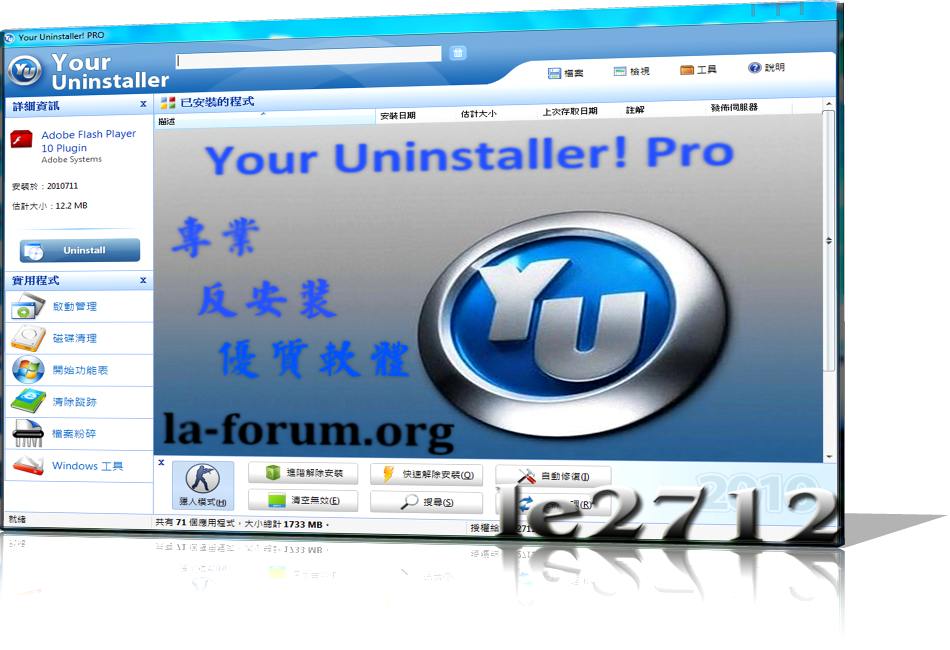
您的軟體移除工具,完全取代 Windows 內建的控制台「新增/移除程式」功能,並內建「啟動」管理功能。軟體介面清新整潔,可以用大圖示、小圖示、詳細清單顯示安裝項目,以滑鼠點兩下圖示或使用滑鼠右鍵來移除軟體 特別是: (1) 如果是最新安裝的軟體,其圖示會以紅色底圖來強調顯示,是一項體貼的功能設計! (2) 軟體移除後會自動檢查資料夾是否有殘留檔案,能將檔案完全移除 Changelog:
• Windows 8 compatible. • Quicker response while searching for programs. • Fixed a bug that may cause "access violation" error if you close Your Uninstaller! very quickly after started. • Supports the new features of the latest version of InstallShield. • Removed some registry keys from searching list so the scan speed may be increased for around 15%. • Updated language files. • Other minor bug fixes and changes. Homepage - www.ursoftware.com





 Homepage - www.ursoftware.com